







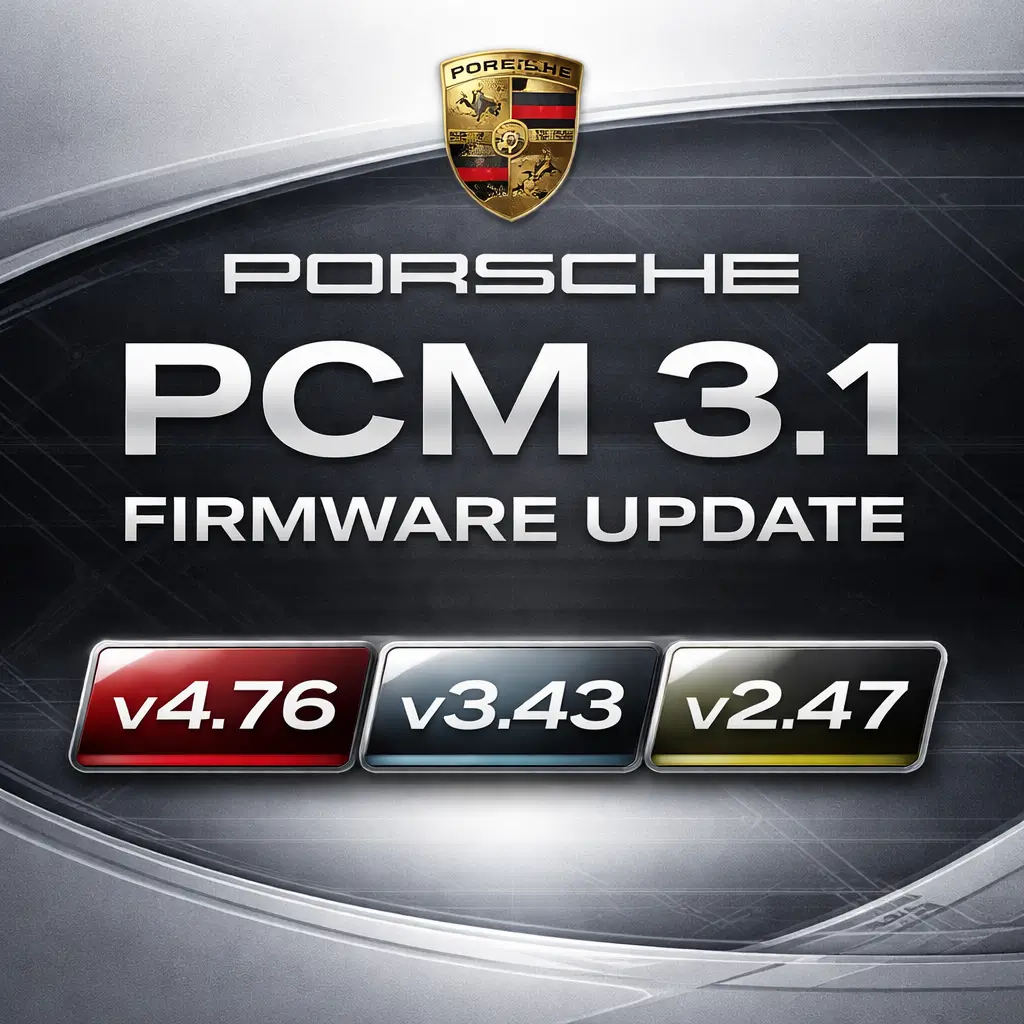

maximum supported version. Cross-version upgrades are not possible due to Porsche hardware restrictions. The update is delivered in original Porsche format and is intended for professional or advanced users familiar with PCM update procedures.
Technical Highlights
-
Updates the PCM 3.1 firmware to the latest supported version per hardware
-
Improved Bluetooth connectivity and reliability
-
Enhanced PCM system stability and performance
-
Includes official North American map updates where supported
-
Original Porsche firmware structure (aftermarket distribution)
-
Automatic update recognition via PCM head unit
-
Supports DVD-based and Engineering Menu USB update methods
Firmware Compatibility
-
PCM 3.1 v2.xx → max v2.47
-
PCM 3.1 v3.xx → max v3.43
-
PCM 3.1 v4.xx → max v4.76
⚠️ Important Notes
-
PCM units running v2.xx or v3.xx cannot be upgraded to v4.76
-
Some PCM units manufactured prior to 2012 cannot update to v4.76
-
UK PCM units labeled 9612 do not support v4.xx firmware
-
UK PCM units labeled 9633 (from Nov 2012 onward) support v4.xx and jukebox functionality
Hardware & Software Matrix
| PCM 3.1 Software Level | HW Version 1 | HW Version 2 | HW Version 3 | HW Version 4 |
|---|---|---|---|---|
| SW Level 1.35 | 2010 | |||
| SW Level 2.47 | 2010–2012 | |||
| SW Level 3.43 | 2012–2013 | |||
| SW Level 4.76 | 2013– |
Supported PCM 3.1 Part Numbers
-
PCM31ARB300
-
PCM31ARB400
-
PCM31CHN100
-
PCM31CHN150
-
PCM31CHN200
-
PCM31CHN250
-
PCM31CHN300
-
PCM31CHN350
-
PCM31CHN400
-
PCM31LOW400
-
PCM31RDW100
-
PCM31RDW200
-
PCM31RDW300
-
PCM31RDW400
Compatible Vehicles
-
Porsche 911 (991) – 2012–2016
-
Panamera – 2010–2016
-
Macan – 2014–2016
-
Cayenne E2 – 2010–2014
-
Cayenne E2 Facelift – 2014–2017
-
Boxster 981 – 2012–2016
-
Cayman 981C – 2014–2016
Installation Requirements
-
Verify PCM 3.1 hardware by pressing SOURCE + INFO
-
Engineering Menu access required for USB update
(Check via SOURCE + SOUND) -
Fully charged battery or vehicle running
-
A battery charger is recommended for voltage stability
-
Verbatim DVD-R media recommended for ISO burning
Update Procedure Overview
-
Burn ISO to a Verbatim DVD-R (CDRTFE recommended)
-
Ensure stable power (charger connected or engine running)
-
Insert the disc into the PCM head unit
-
Confirm update when prompted
-
Do not interrupt the update (15–25 minutes)
-
System restarts automatically upon completion
⚠️ Interrupting the update may cause emergency boot mode
Limitations & Disclaimers
-
Firmware updates do not bypass hardware limitations
-
Map updates depend on the region and PCM support
-
Update performed at the user’s own risk
-
Original Porsche software supplied on aftermarket media

Reviews
Clear filtersThere are no reviews yet.