








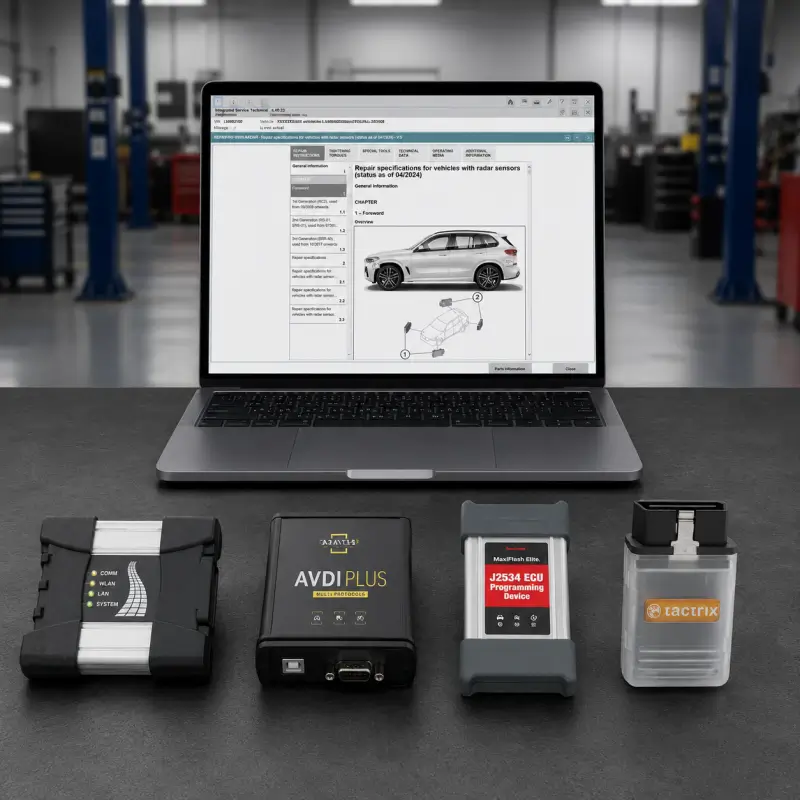

This remote technical service is designed for users who already have a BMW diagnostic environment installed and need assistance configuring their ICOM or J2534 PassThru interface for proper communication.
The service focuses on the connection layer between the computer, diagnostic interface, vehicle, and Integrated Service Technical Application environment. It is not a BMW software installation package and does not include diagnostic software, programming data, or license files.
What This Service Covers
- BMW ICOM interface configuration
- J2534 PassThru driver verification
- VCI detection troubleshooting
- Network and IP configuration review
- Interface communication testing
- Vehicle connection validation
- Driver conflict checks
- Remote environment adjustment
- Basic diagnostic communication verification
Supported Interface Types
- BMW ICOM
- BMW ICOM Next
- BMW ICOM A2
- BMW ICOM A3
- Compatible J2534 PassThru devices
- Selected third-party VCIs depending on driver support
When You Need This Service
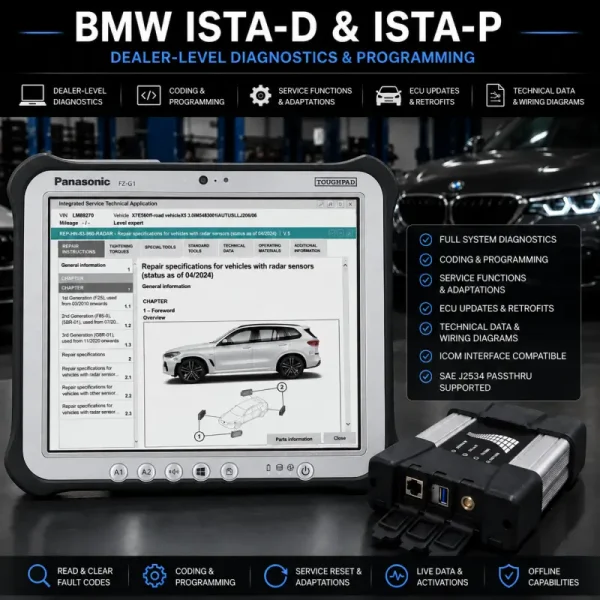
This service is suitable if your Integrated Service Technical Application environment is already installed but the diagnostic interface is not detected, the ICOM does not appear correctly, the PassThru device fails to communicate, or the vehicle connection cannot be established.
It is also useful after changing laptops, reinstalling Windows, updating drivers, replacing the diagnostic interface, or moving the setup to another system.
Important Notes
This is a remote interface configuration service only. It does not include BMW ISTA software installation, ISTA/P programming packages, activation files, or diagnostic database content.
Compatibility depends on the installed software version, Windows environment, VCI quality, J2534 driver support, and vehicle communication condition.



James Cooper –
Very satisfied
Mark Wilson –
VERY GOOD