





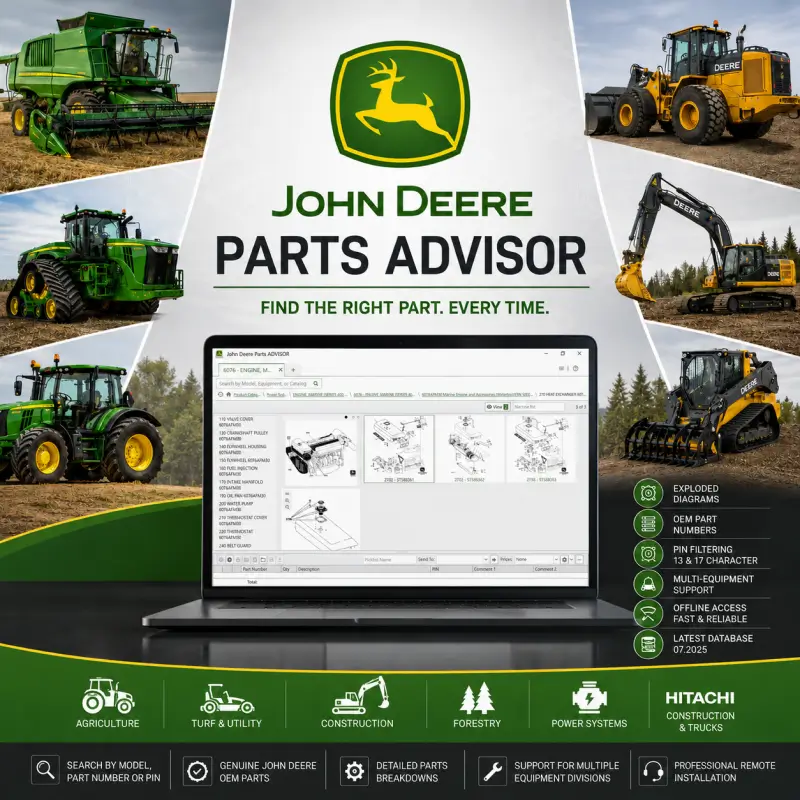

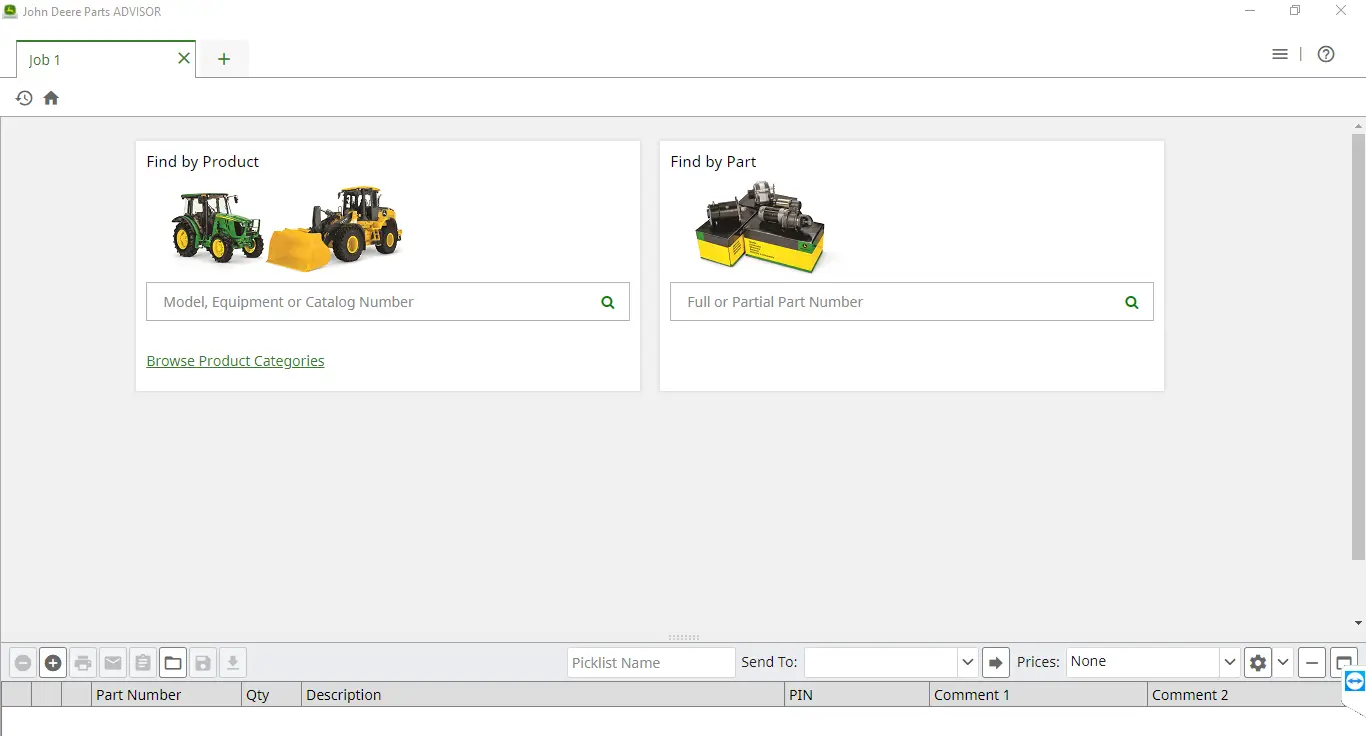
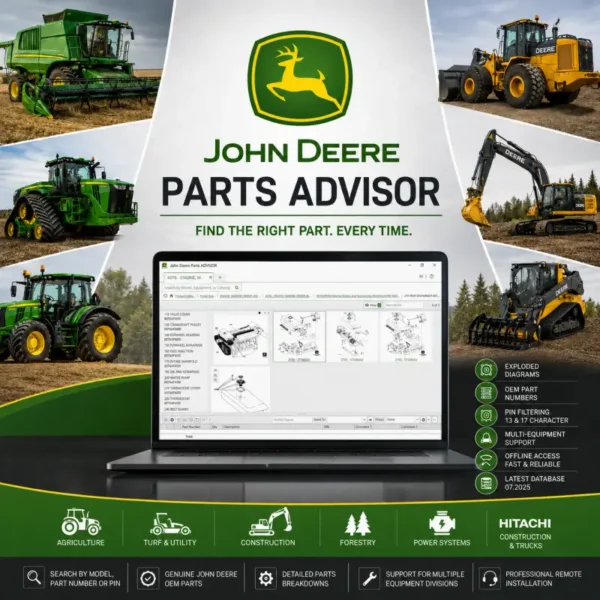
Eliminate part ordering errors and keep your fleet running smoothly with the updated John Deere Parts Advisor (07.2025) offline electronic parts lookup system. Modern industrial and agricultural equipment relies heavily on serial-number-dependent component revisions. Ordering the wrong part leads to costly layout delays, component software rejection, or system mismatches. With the 07.2025 database, independent repair shops, fleet managers, and parts suppliers can instantly isolate the exact genuine components required for any machine variant.
Supported Equipment Divisions & Fleet Coverage
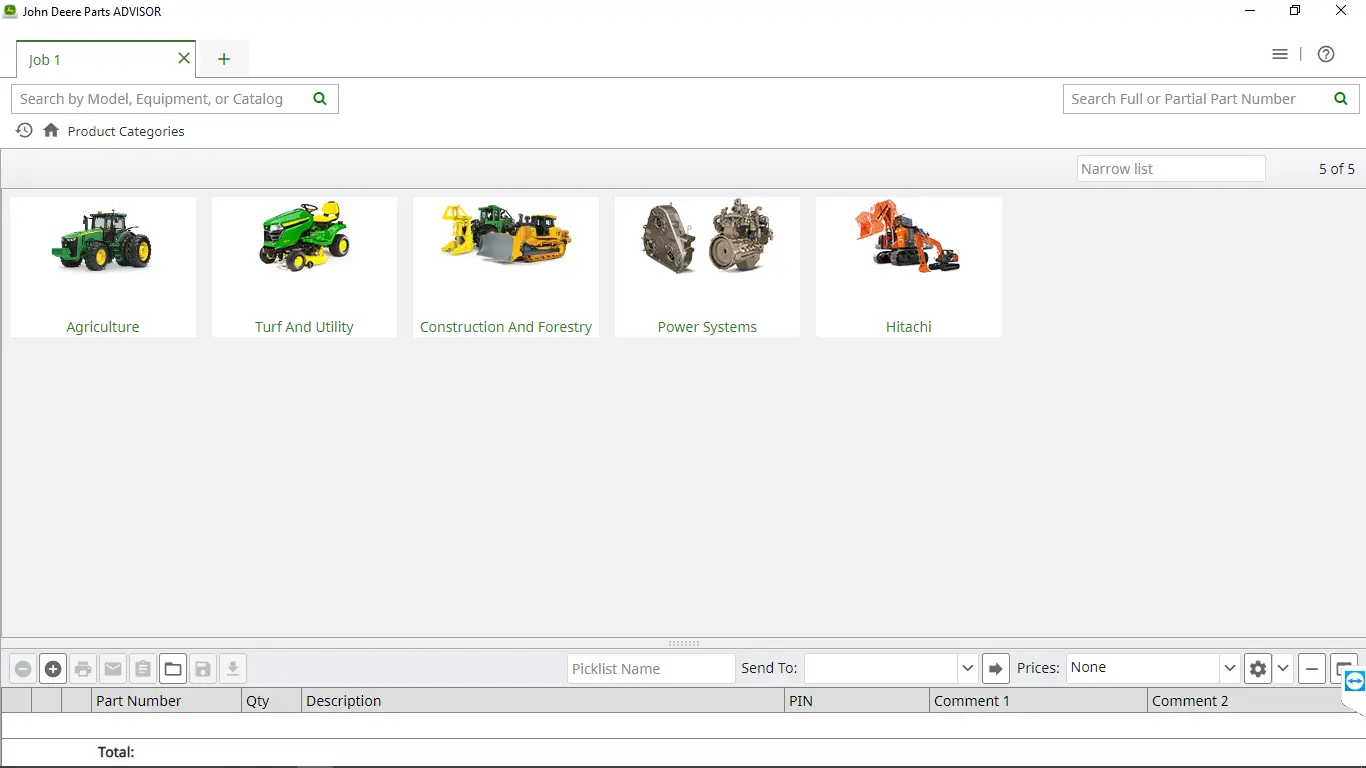
This massive parts catalog database provides comprehensive coverage for several global machinery segments:
-
Agriculture & Turf: Tractors, combines, harvesters, seeders, air carts, and commercial turf equipment.
-
Construction & Forestry: Excavators, crawler dozers, backhoes, wheel loaders, skid steers, feller bunchers, and forwarders.
-
Power Systems: John Deere industrial engines, marine diesel powerplants, and generator sets.
-
Hitachi Lineup: Hitachi construction equipment and heavy mining dump trucks.
Core Capabilities & Advanced Parts Lookup Features
-
Multi-Layered PIN/VIN Filtering: Input a 13- or 17-character Product Identification Number (PIN) to automatically activate catalog-level, section-level, and part-level filtering tailored to that specific machine’s build date.
-
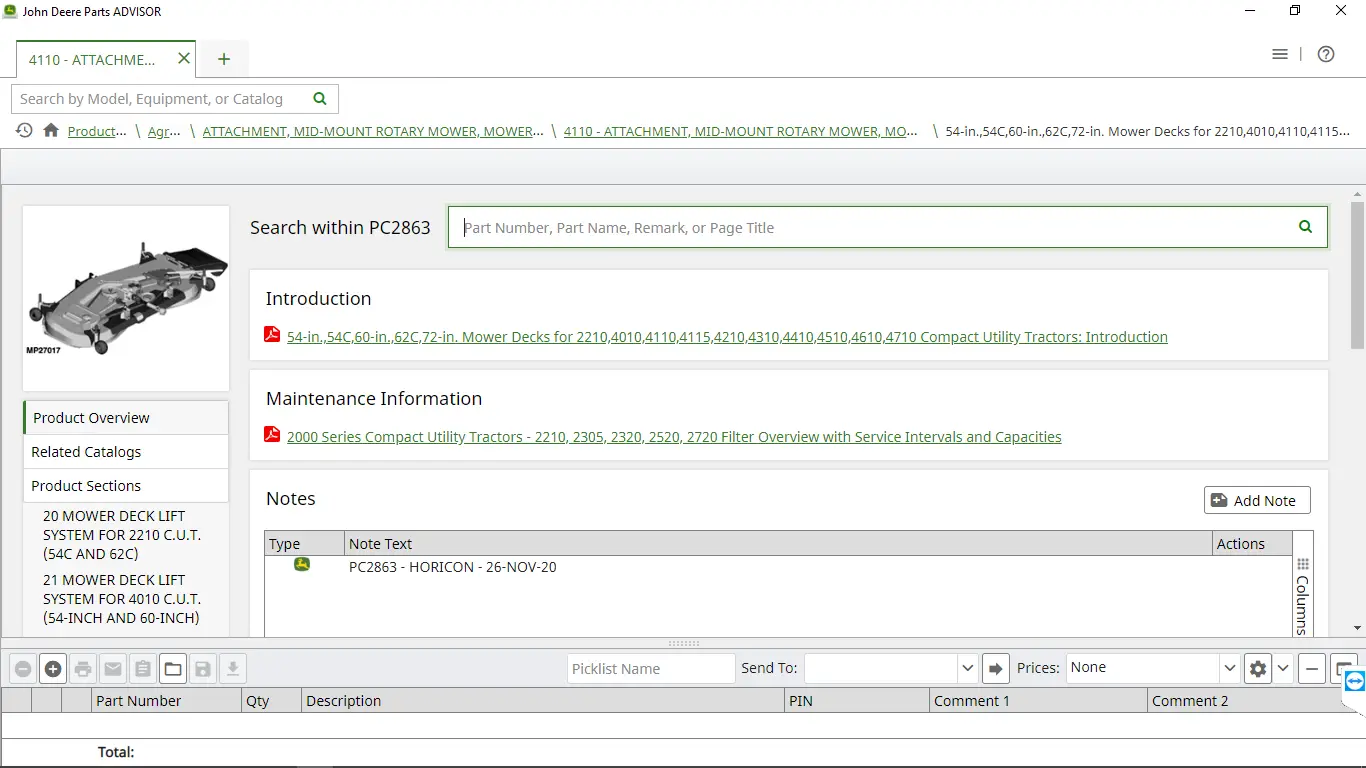
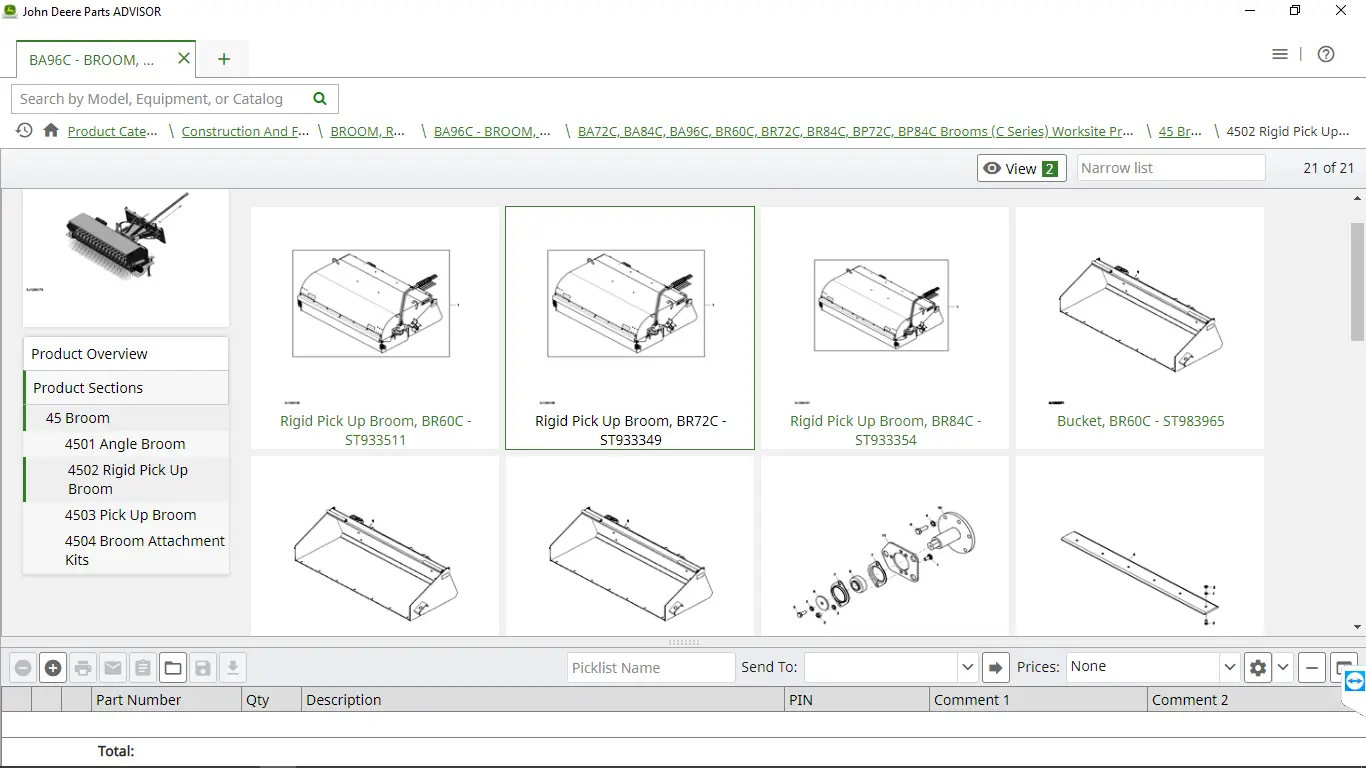
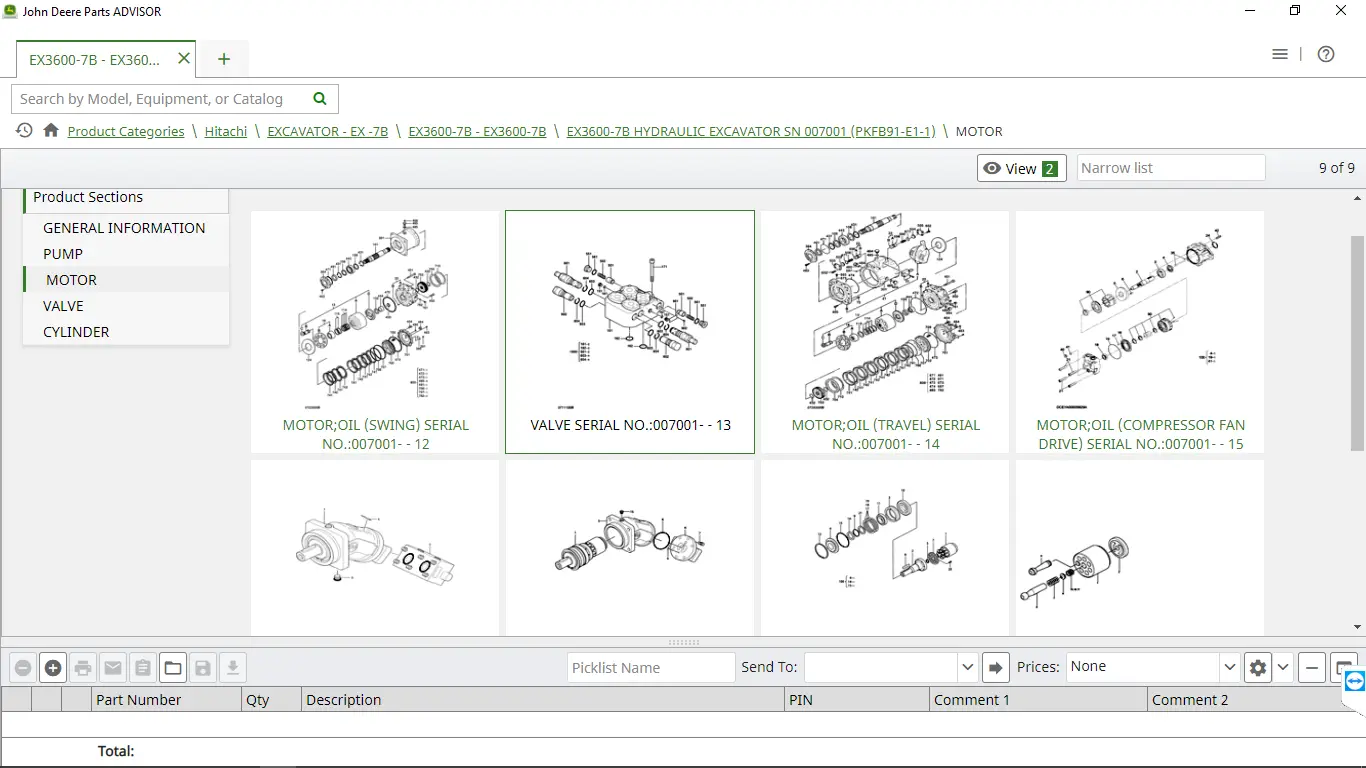
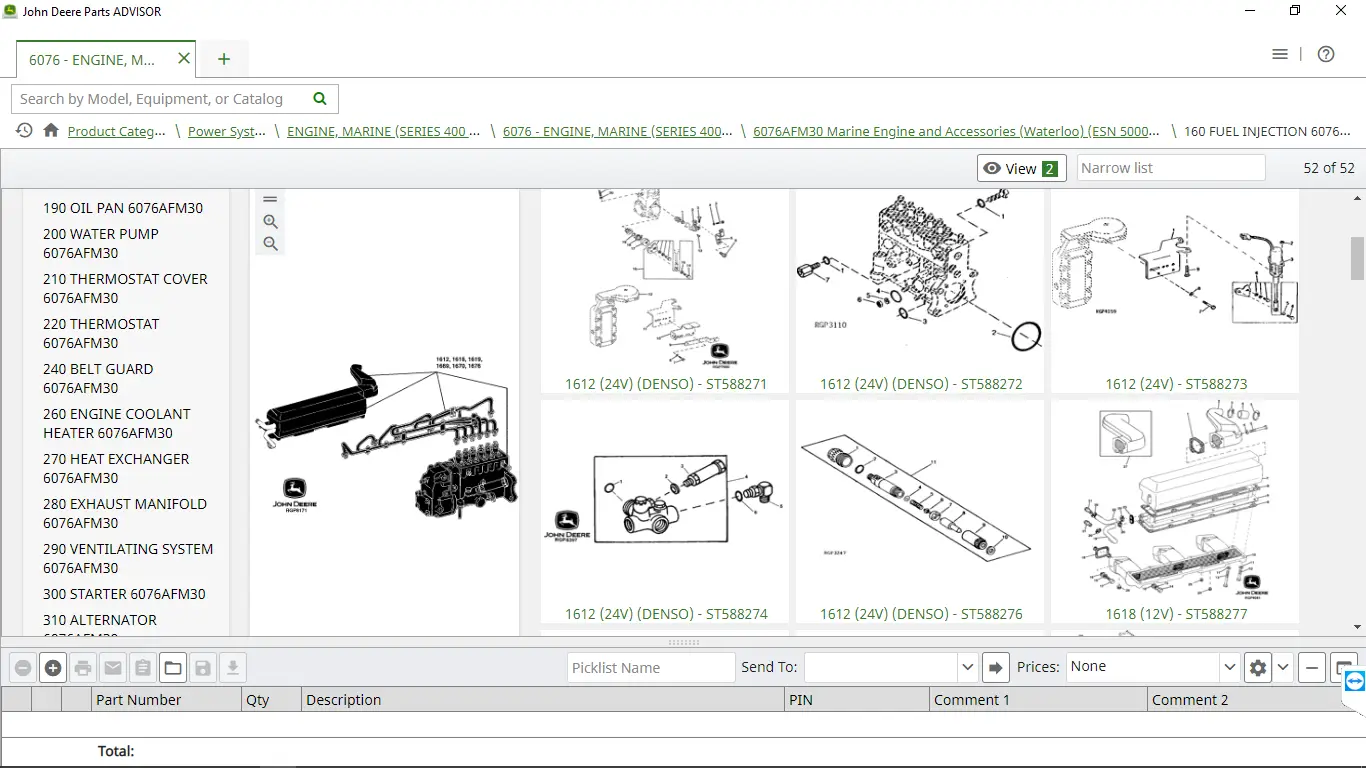
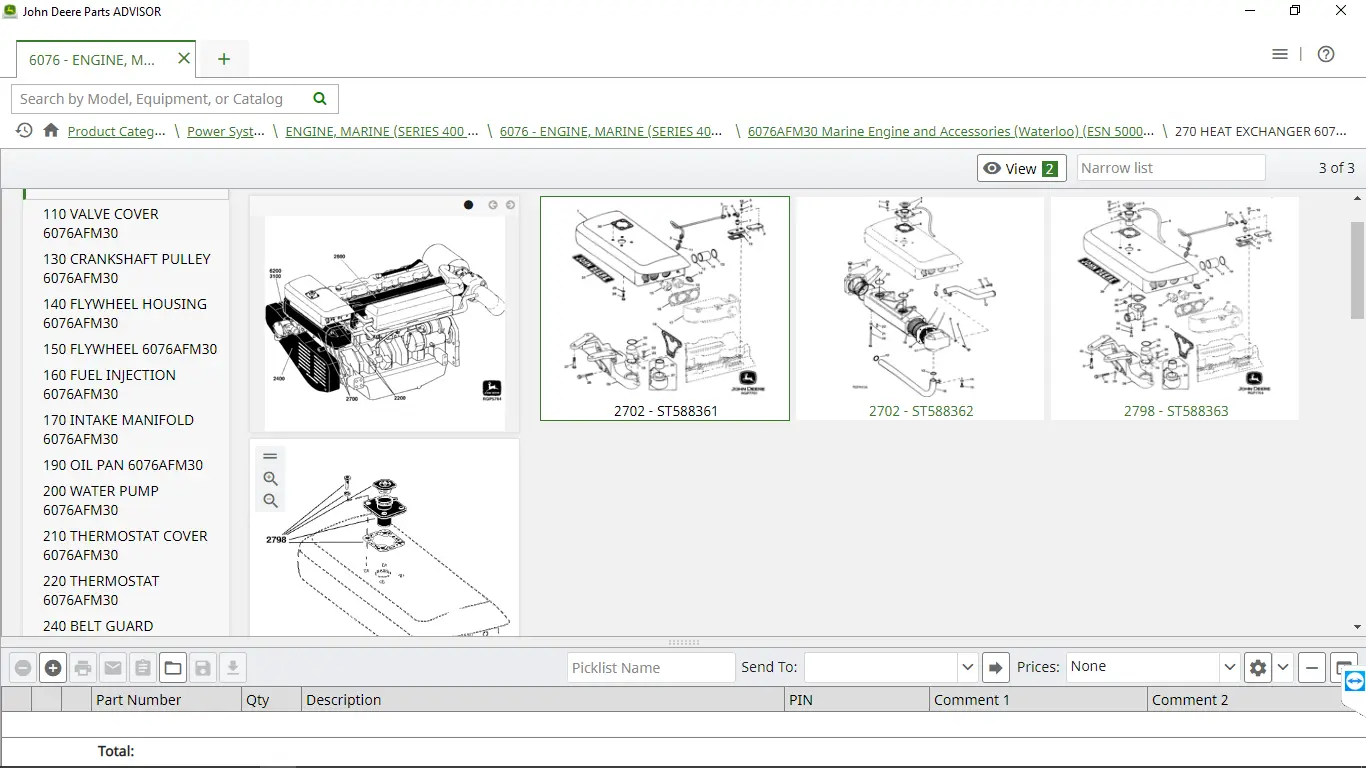
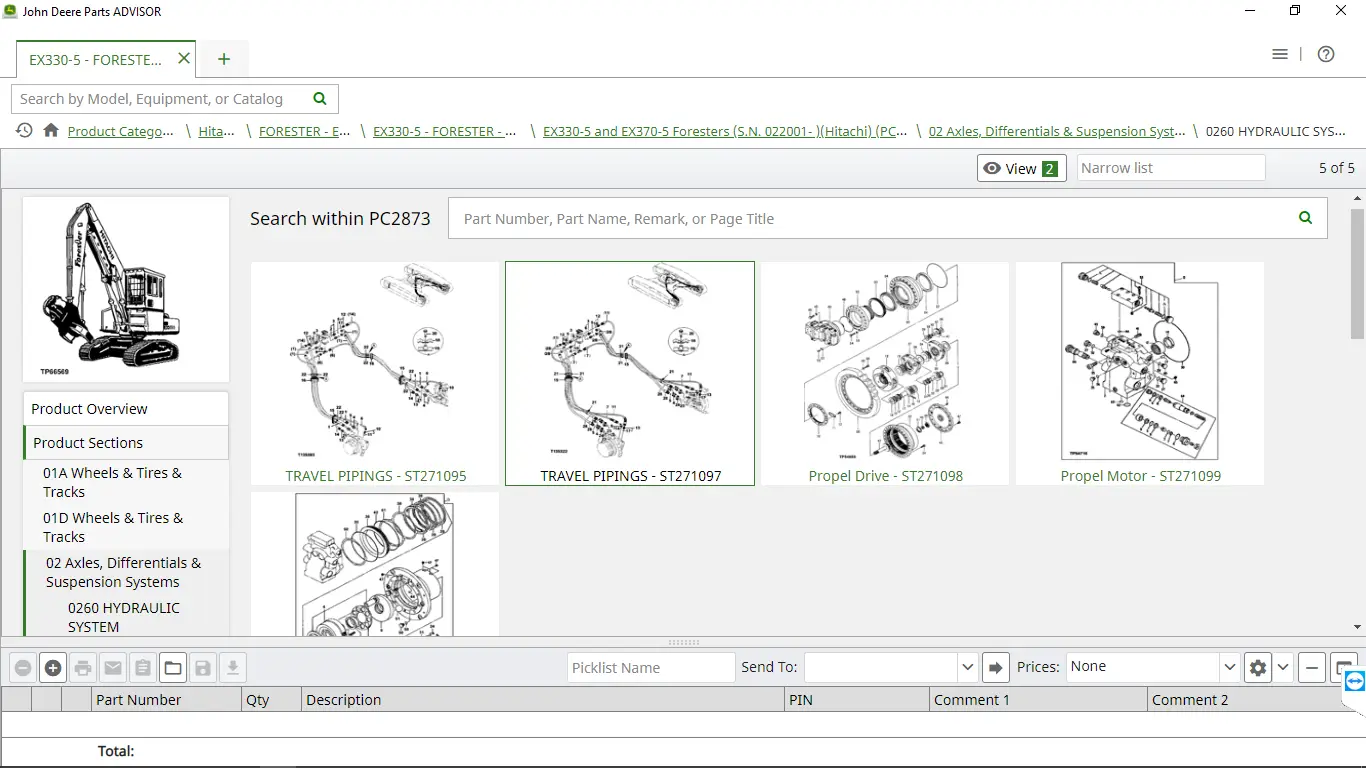
Exploded Parts Diagrams: Access ultra-high-definition, factory-grade schematics showing structural, engine, electrical, and hydraulic component breakdowns.
-
Assembly & Sub-Assembly Relations: Easily visualize complex component groups, fastener arrays, seal kits, and required O-ring sequences.
-
Interactive Visual Overviews: Click on any diagram line-item to automatically populate active part numbers, descriptions, required quantities, and superseded part strings.
-
Fast Number Cross-Referencing: Skip model browsing entirely by dropping a known OEM part number straight into the search console to check cross-model compatibility.
Technical Hardware & System Requirements
To handle the fast search queries and massive graphics repository of the 07.2025 dataset, ensure your laptop meets the following specifications:
-
Operating System: Windows 7 SP1, Windows 10, or Windows 11 (64-bit required)
-
Processor: 1.60 GHz or higher
-
System Memory (RAM): 4 GB minimum (8 GB recommended for rapid schematic loading)
-
Storage Space: Minimum 200 GB of free space (Solid State Drive / SSD highly recommended for local database indexing).
Installation
The program will be meticulously installed and activated remotely through a UltraViewer or AnyDesk session for your convenience. Upon the completion of your successful payment, you will promptly receive an email containing the download link along with comprehensive instructions. In the event of non-receipt, we advise checking your spam folder or reaching out to us promptly via the live chat feature accessible through the icon located at the bottom right corner of the screen. Rest assured, all our packages are securely stored in a MEGA premium account, ensuring an optimized download experience. Additionally, please note that if the installation process encounters any issues, you will be entitled to a full refund as part of our commitment to your satisfaction.Frequently Asked Questions (FAQ) – John Deere Parts Advisor Offline
▸ 1. How do I search for parts in the Parts Advisor catalog?
-
You can search using:
-
Model number
-
Equipment type
-
Parts Catalog (PC) number
-
13- or 17-character PIN
-
-
The system will:
-
Automatically match you with the correct model
-
Provide diagrams, exploded views, and part numbers
-
Help you visually confirm parts with illustrations
-
▸ 2. Can I search for a part without knowing the model?
-
Yes, you can:
-
Choose “Part Number” in the search dropdown
-
Enter a known OEM part number
-
Skip the model search entirely
-
▸ 3. Why do some illustrations appear without listed parts?
-
This happens when:
-
Your search matches only an illustration label (e.g., “frame assembly”)
-
-
What to do:
-
Click “View Illustration”
-
See the full diagram with all associated parts
-
▸ 4. Does the software keep a history of my searches?
-
Yes:
-
The system auto-saves recent search terms
-
As you type, previous entries appear in a dropdown
-
You can easily repeat a search by clicking an old entry
-
▸ 5. What are the PIN filtering levels used in Parts Advisor?
-
When you input a machine’s PIN, the system uses:
-
Catalog-level filtering
-
Section-level filtering
-
Full Part-level filtering
-
-
To remove these filters:
-
Click on the notification bar after searching with a PIN
-
▸ 6. Do I need a MyJohnDeere account to activate the offline version?
-
No, activation not required
▸ 7. Can I perform machine diagnostics with Parts Advisor?
-
No:
-
Parts Advisor provides parts lookup and technical diagrams
-
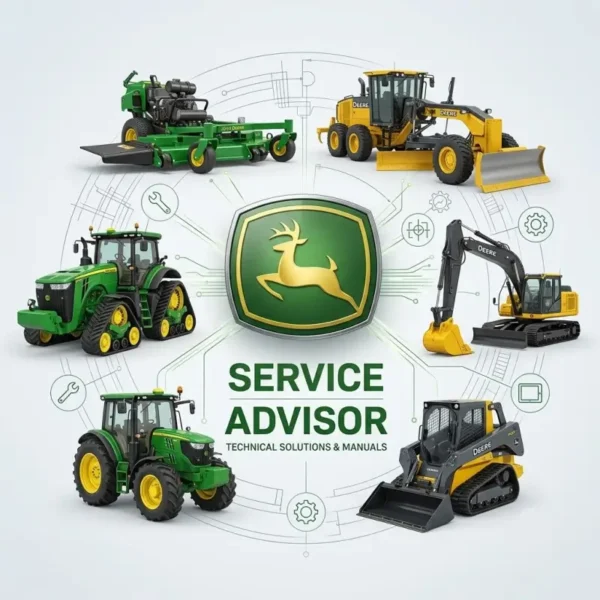
Service Advisor is required for diagnostics and machine data
-
You’d need a John Deere EDL (Electronic Data Link) interface for that
-


Timothy Dyer –
Great support, I will definitely do business again *****
Oscar P –
Nice software!
Thomas G –
Outstanding support, I recommend.
James –
Great install service, everything was as described.
Cameron –
Excellent service will use again.
Stephen –
Wonderful service and nice people.
Nicholas –
Spot on!
Larry –
Very Professional. quick response!
Scott –
Excellent service 🌟
Alfred –
As usual, top-notch tech service*****
Roger –
Recommend, and the install service on the computer is really professional, thanks.
Jeff –
Perfect as usual. Thank you kindly. Works a treat.
Silvio –
a++++ service many thanks
Sebastien –
Superbe fiabilité . Tout fonctionne. Bonne communication et une vrai aide en cas de besoin . +++
Anton –
Great helping. appreciated
Pascual –
GREAT SERVICE 100%
Damien –
Excellent. Thanks. Super fast delivery. A+++++++++
I*** –
Fast digital delivery excellent service, quick communication highly recommended, thank you kindly! ⭐⭐⭐⭐⭐
H*** –
Muy rápido y producto totalmente operativo, estupenda compra
C*** –
It works perfectly, outstanding service. Thank you very much!